n8n PGVector workflow debug audit.
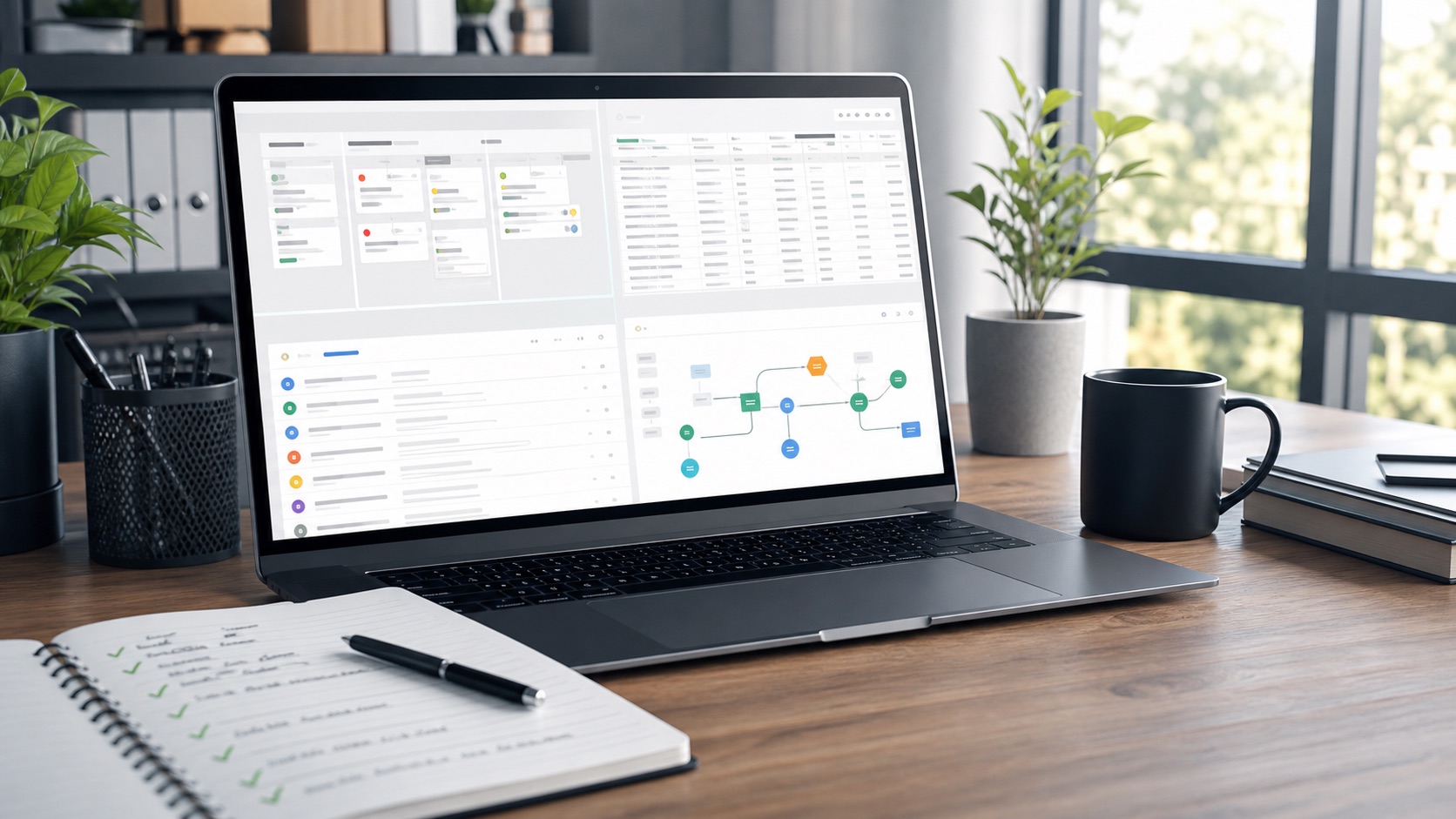
When an n8n workflow stops after a vector database node, the repair target is concrete: failing node path, payload shape, expected output, and repeatable fix path.
1. Isolate the failing node
Capture the exact trigger, node input, node output, and downstream condition that should run next.
2. Check the data contract
Verify embedding dimensions, table columns, metadata shape, connection settings, and empty-result behavior.
3. Build a fix note
Document the success path, failure path, and backup action if the vector lookup is unavailable.
Starter package
A $99 workflow audit can produce a written debug map and implementation plan. A $1,000 sprint can cover one repair if the workflow, current data, and access are clear.
What to send
- Workflow name, current error, and expected output
- Current node screenshot or error text
- Expected downstream output
- Successful sample output if you already have one