Classify
Define the five or fewer categories, confidence threshold, prompt format, and fallback route before AI touches the live inbox.
n8n email classification build
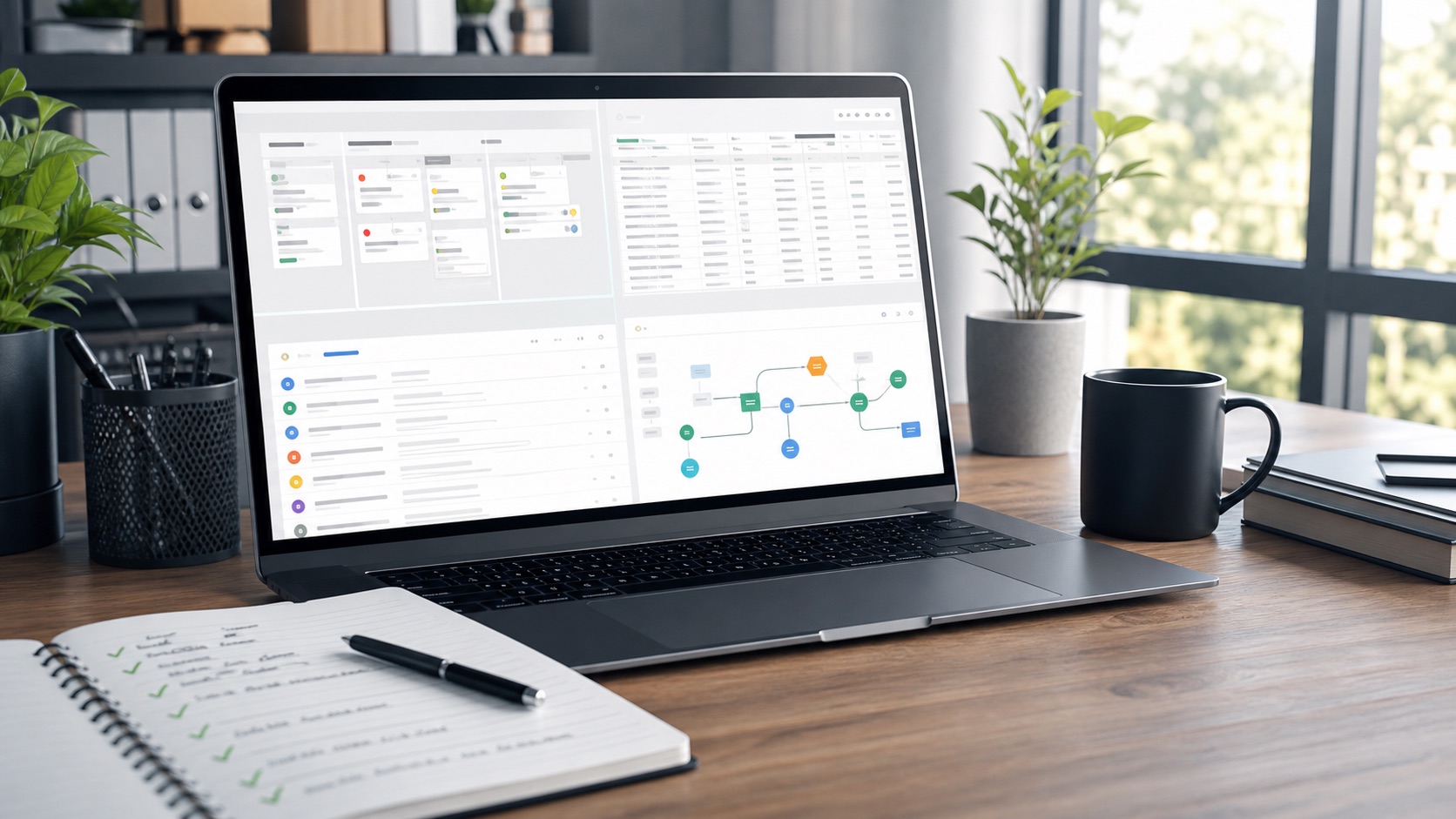
For teams that need n8n to classify Gmail messages with AI, apply labels, write status rows to Google Sheets, escalate keywords to Slack, send daily summaries, and avoid duplicate auto-replies.
Operating plan
Define the five or fewer categories, confidence threshold, prompt format, and fallback route before AI touches the live inbox.
Write each email to Google Sheets with reference number, timestamp, status, owner, and reprocessing guard.
Send Slack alerts for urgent keywords or low-confidence cases, plus a daily summary that operators can trust.
Related paths
Ready to start