Mailchimp to Google Sheets sync without duplicate rows or vague scope.
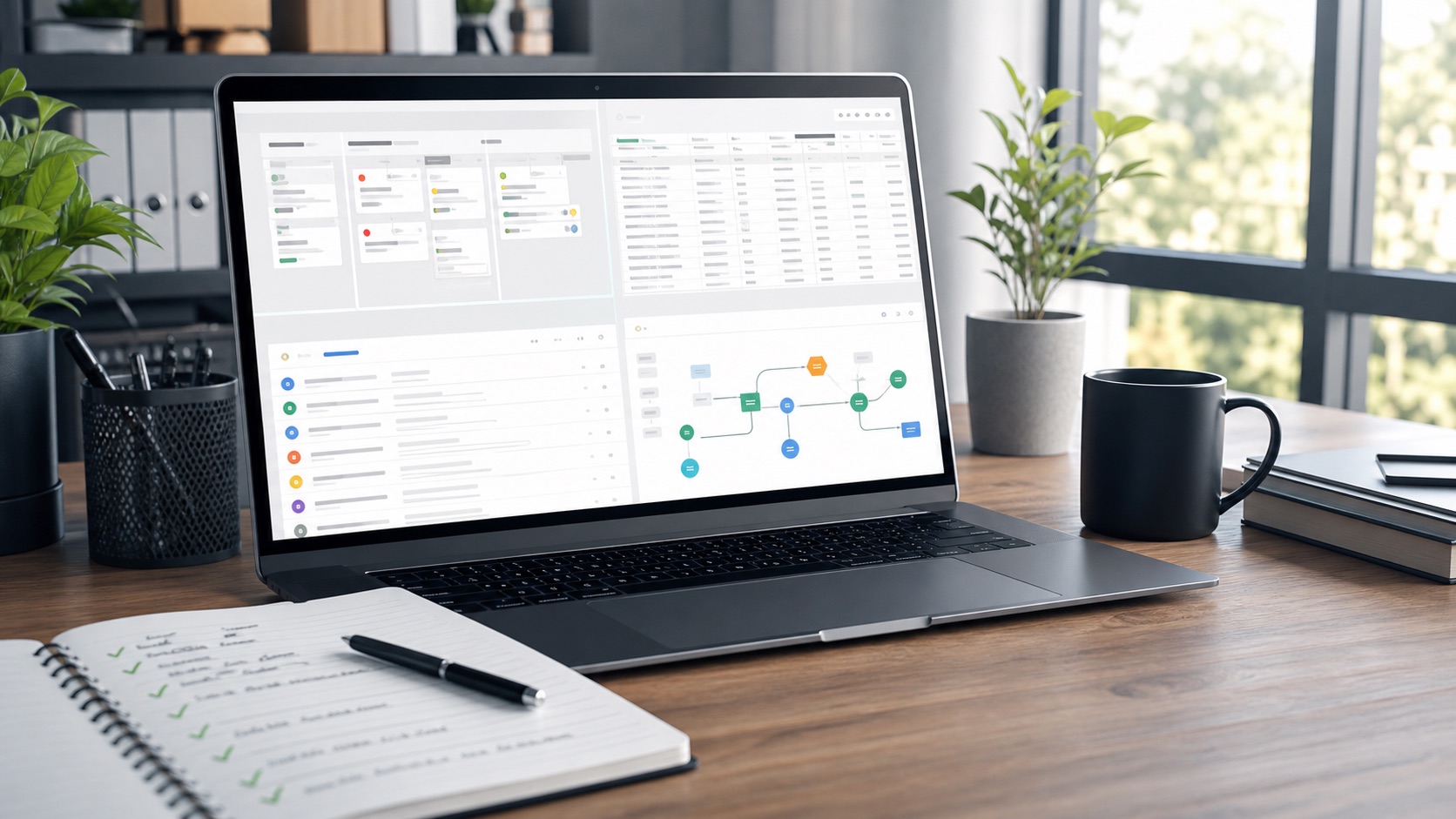
For teams that need each new Mailchimp subscriber copied into Google Sheets, with optional Airtable sync, TinyOps maps the trigger, fields, duplicate rules, test case, and launch steps before the build starts.
Best fit: one Mailchimp audience, one Google Sheet, and a clear row format. Airtable can be added when the base, table, and fields are known.
Workflow Audit
$99. Field map, trigger check, dedupe strategy, error handling, and implementation steps for one subscriber path.
AI Agent Workflow Sprint
$1,000. A Make scenario for the agreed path, with test rows, rollback notes, and a short setup guide.
Launch checks
Subscriber event, sheet columns, Airtable mapping, missing field behavior, duplicate-proof reruns, and failure notifications.
What to send
- Mailchimp audience name and the subscriber fields to keep.
- Google Sheet column names or one example row.
- Airtable base/table names if Airtable sync is needed.
- Whether existing subscribers should be backfilled or only new subscribers should sync.