Glide for home watch
Turn home watch spreadsheets into a field app your team can use.
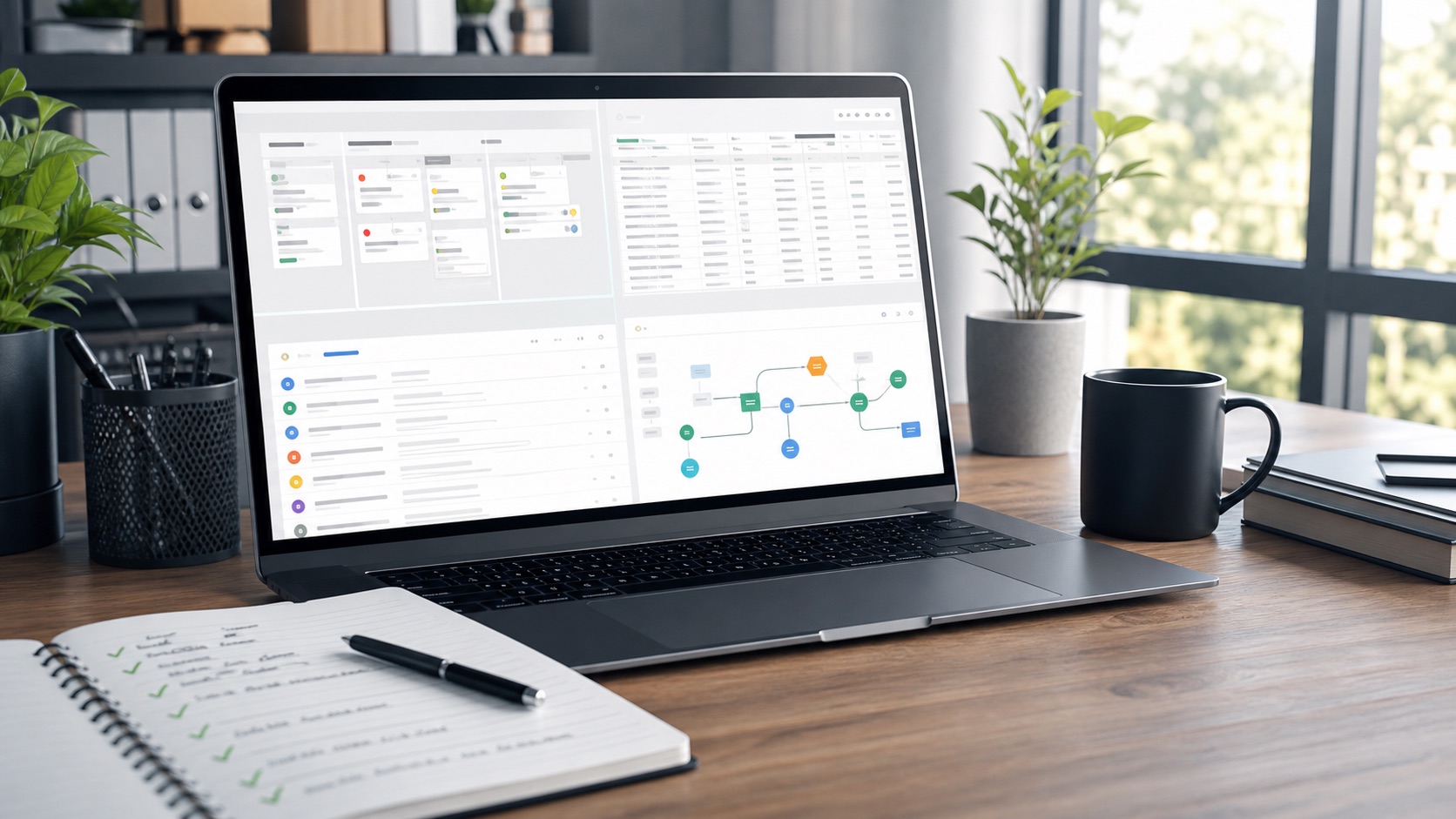
A focused Glide audit for home watch operators who already have property spreadsheets, visit notes, or checklist drafts and need a first app that works for recurring inspections, photo notes, issue follow-up, and client-ready summaries.
Workflow
Use Glide when the work starts with repeatable property visits.
The audit keeps the first version narrow: properties, visits, checklists, issues, and owner-facing notes.
Output
What TinyOps returns
Data map
Which spreadsheet tabs stay, which columns become app fields, and where lookups or duplicate records need cleanup.
Screen plan
The first property, visit, checklist, issue, and review screens, with the action each screen needs to support.
Launch notes
Role, privacy, notification, attachment, and handoff checks so the app can be tested with one real route.
Start
Send the spreadsheet and the first visit flow.
A rough sheet is enough. TinyOps needs the property row shape, the checklist you want during a visit, and what the client should see after the visit is complete.
Buy $99 Workflow AuditBuy $4,999 Rescue SprintStart with intake